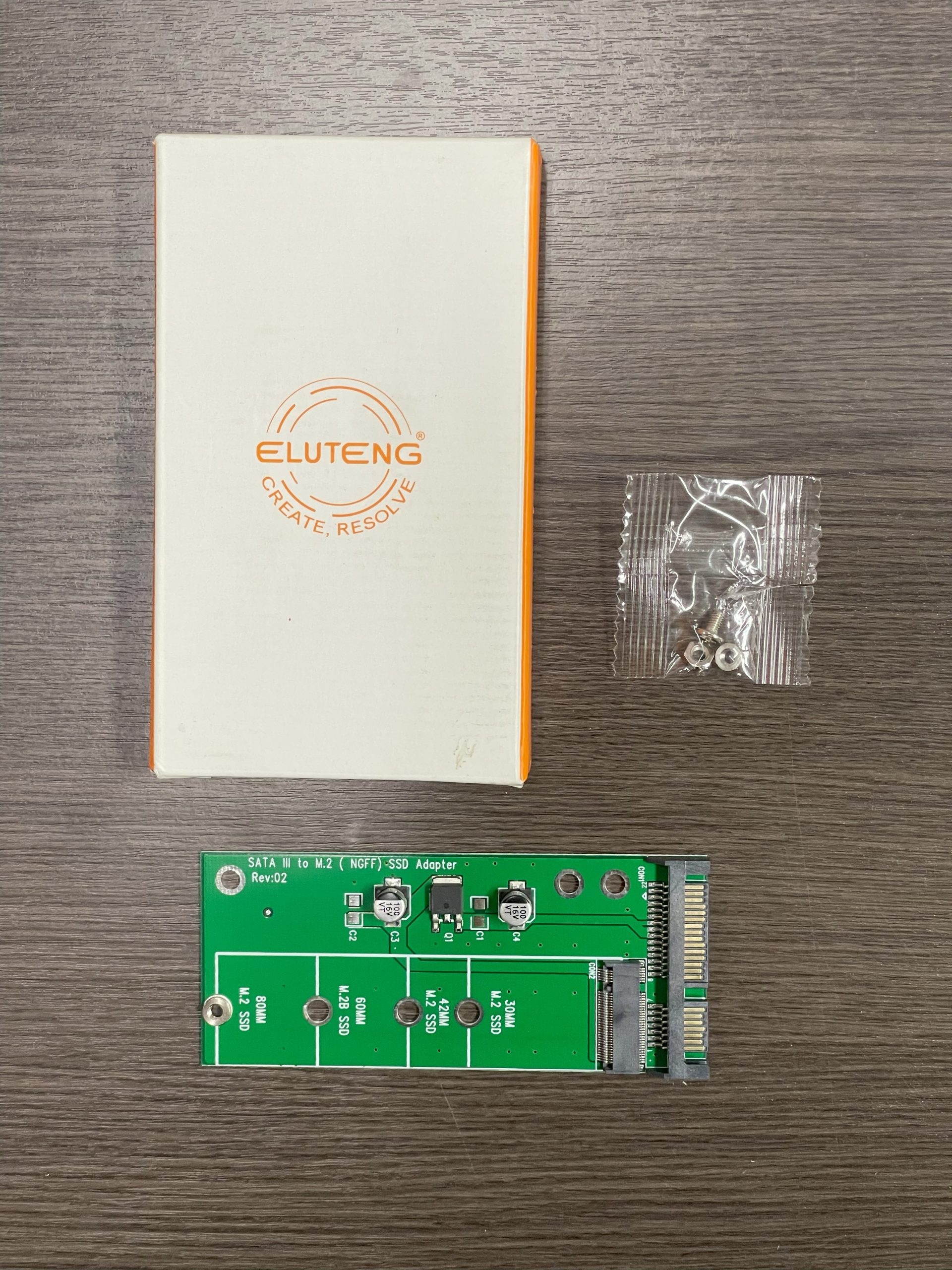
The ELUTENG M.2 to SATA Adapter is a small, single-purpose converter that solves a specific compatibility problem: it lets an M.2 SATA (NGFF) solid-state drive plug into a standard 2.5-inch SATA connection. If you have pulled a small M.2 stick out of a laptop, or bought one cheaply, and your desktop, enclosure, or dock only accepts a 2.5-inch drive, this adapter bridges the gap.

It is important to understand what this device is and is not before buying, because the M.2 slot is a source of endless confusion. This adapter is for SATA-based M.2 drives only. It is aimed at DIY upgraders, repair technicians, and anyone repurposing older SSDs, and its whole value rests on getting the drive-key compatibility right.
Specifications at a glance
| Specification | Detail |
|---|---|
| Function | Converts M.2 SATA (NGFF) SSD to 2.5-inch SATA III |
| Supported drives | M.2 SATA B key and B+M key SSDs |
| Not supported | M.2 PCIe/NVMe (M key) drives |
| Supported lengths | 2230, 2242, 2260, 2280 |
| Interface | SATA III, up to 6 Gbps theoretical |
| Max capacity | Up to 4 TB (backward compatible with smaller drives) |
| Output connector | Standard 2.5-inch SATA 7+15-pin |
| Drivers | None required; plug and play |
| OS support | Windows, macOS, Linux |
ELUTENG offers more than one version in this family, including a dual-slot card that also accepts mSATA. Confirm the exact model and its supported keys and form factors on the listing so it matches your drive.
What it does, and the critical key compatibility
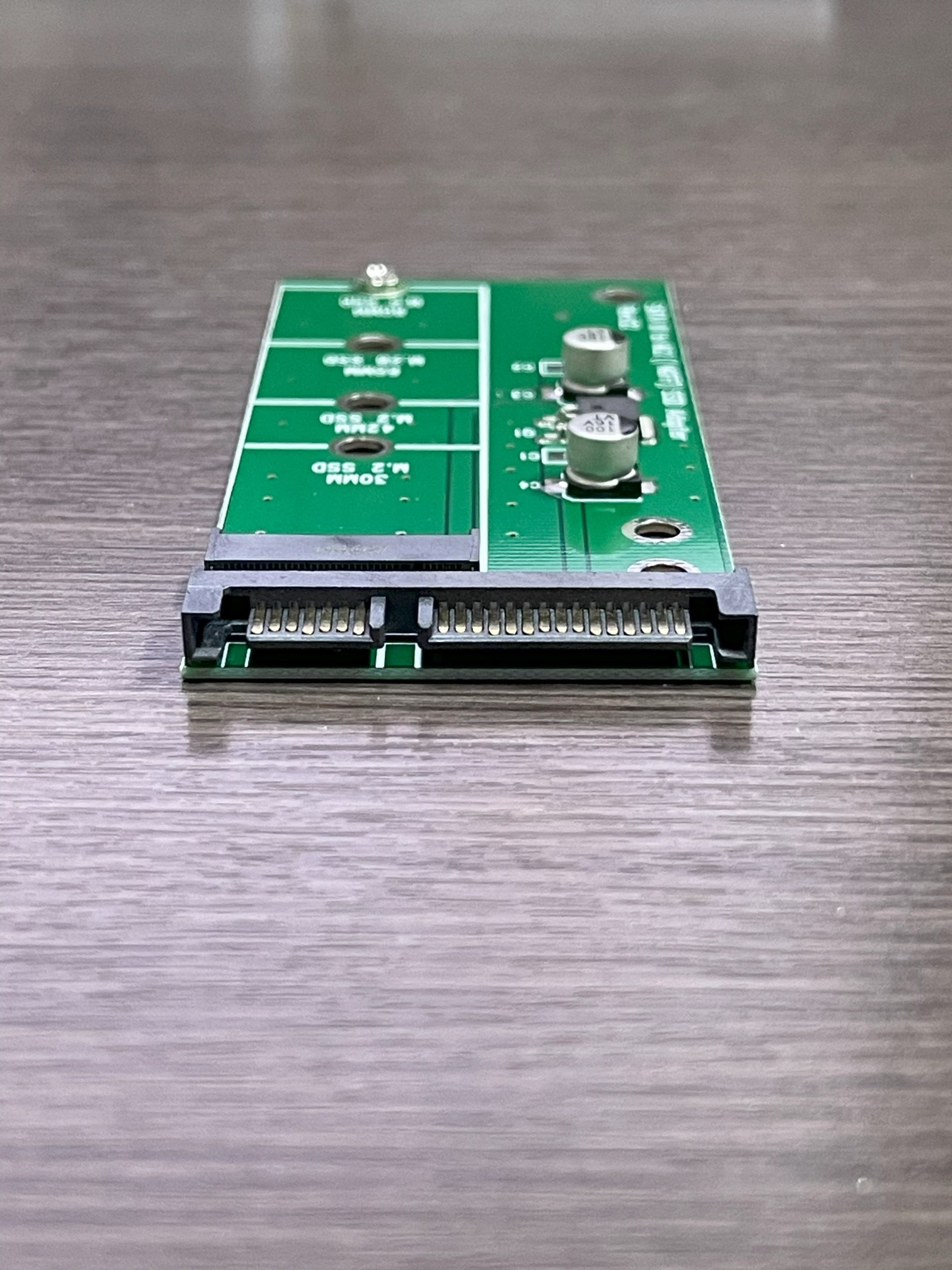
Physically, the adapter is a compact green PCB with an M.2 slot on one side and a 2.5-inch SATA 7+15-pin connector on the other. You seat the M.2 SATA stick, secure it with the mounting screw, and the drive then presents itself to any host exactly as if it were an ordinary 2.5-inch SATA SSD. There are no drivers to install and nothing to configure; the SATA host sees a standard drive.
The one thing you must get right is the type of M.2 drive you own. M.2 is only a physical slot standard; drives in that slot can speak either the SATA protocol or the PCIe/NVMe protocol, and they are not interchangeable. This ELUTENG adapter works only with M.2 SATA (NGFF) drives that use a B key or a B+M key edge connector. It does not and cannot work with M.2 PCIe NVMe drives, which typically use an M key. If you plug an NVMe M-key drive into a SATA adapter, it simply will not function, and this is the single most common mistake buyers make. Before ordering, verify that your SSD is labeled as an M.2 SATA drive, not NVMe.
Assuming the drive is the right type, the adapter supports the common M.2 lengths (2230, 2242, 2260 and 2280, the last two digits indicating length in millimeters), so it accommodates both short and full-length sticks with the mounting standoff.
Performance and capacity
Because this is a passive protocol pass-through rather than a bridge chip doing translation, the adapter does not add a meaningful speed penalty of its own; performance is governed by the SATA III interface and the drive. SATA III has a theoretical ceiling of 6 Gbps, which in practice translates to real-world throughput in the region of 500 MB/s for a good SATA SSD. That is the expected performance for any SATA drive and is a huge improvement over a mechanical hard disk, even if it is well short of what an NVMe drive on PCIe can deliver.
On capacity, the adapter is rated to support drives up to 4 TB and is backward compatible with smaller sizes, so it will happily carry anything from a modest 128 GB stick up to a large modern SATA SSD. That makes it a practical way to turn a spare M.2 SATA drive into a fast boot disk, a secondary drive, or, inside an enclosure, portable external storage.
Real-world uses and installation notes
The typical scenarios are all about reuse and flexibility. You might migrate an M.2 SATA SSD from a retired laptop into a desktop that only has 2.5-inch bays, drop the adapted drive into a standard 2.5-inch USB enclosure to make a fast external SSD, or standardize a pile of mixed drives onto a single connection type for imaging and testing. For a repair bench, having a way to read any M.2 SATA stick over a common 2.5-inch SATA interface is genuinely useful.
Installation is about as simple as PC hardware gets, but a few details help. Seat the drive at a slight angle, press it flat, and secure the mounting screw so it does not lift out of the slot; a loose stick is a common cause of a drive not being detected. If you place the assembled unit into a 2.5-inch enclosure or a laptop bay, watch the total thickness, since some slim 7 mm bays leave little clearance. Once connected, the drive appears in your operating system like any SATA disk and may need to be initialized and formatted if it is new.
This kind of low-level storage building block tends to appeal to the same tinkerers who run single-board computers and compact desktops. If you are outfitting a small always-on system, it is worth reading up on hosts like the PELADN WI-6 mini PC or a fanless Celeron N3350 mini PC, and even a Raspberry Pi 3 Model B+ project can benefit from fast SATA storage over USB rather than relying on a microSD card.
Pros and cons
Strengths
- Solves a real compatibility gap: M.2 SATA drives into a standard 2.5-inch SATA slot.
- Truly plug and play with no drivers on Windows, macOS or Linux.
- Supports all common M.2 lengths (2230/2242/2260/2280) and up to 4 TB.
- Passive design adds no meaningful speed penalty beyond the drive itself.
- Inexpensive and pocket-sized; handy for repair and DIY work.
Limitations
- Works only with M.2 SATA (B / B+M key) drives, never NVMe M-key drives.
- Limited to SATA III speeds, so it cannot unlock NVMe-class performance.
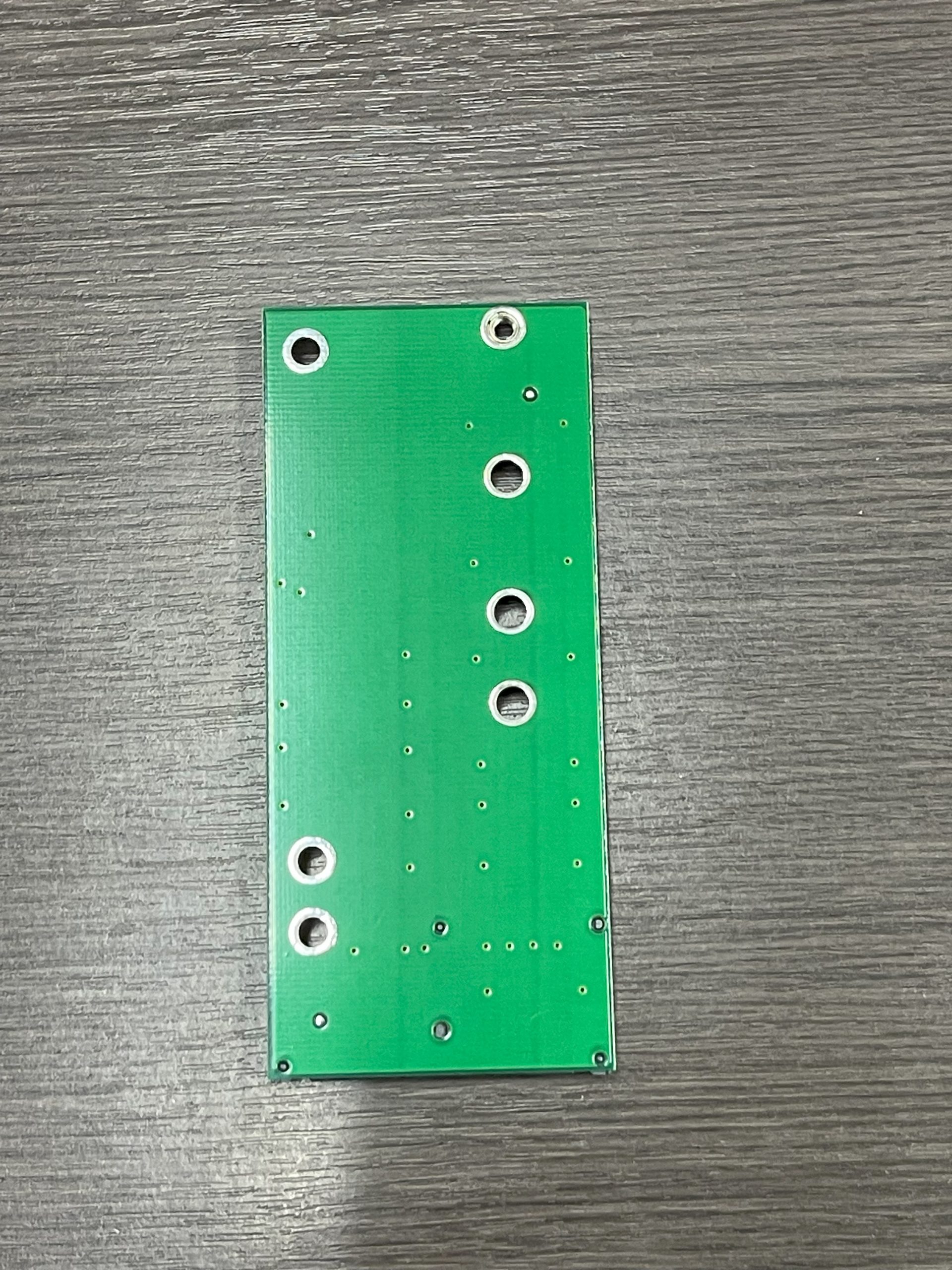
- A bare PCB, so you still need an enclosure or a mounting spot for tidy use.
- Buyers who confuse SATA and NVMe M.2 will find their drive simply does not work.
Who it’s for (and who should look elsewhere)
This adapter is ideal for anyone repurposing an M.2 SATA SSD, upgrading an older desktop or laptop, or assembling a budget external SSD. For DIY builders and repair technicians it is a cheap, useful thing to keep in the toolkit.
Look elsewhere if your drive is an NVMe SSD; those need an M.2 NVMe-to-USB enclosure or a PCIe adapter instead, not this SATA converter. If you specifically want a finished external drive rather than a bare board, a self-contained M.2 SATA enclosure such as those from Sabrent or a UGREEN M.2 adapter may suit you better. And if you are chasing maximum speed, an NVMe-based solution will far outpace anything limited to SATA III. Match the adapter to the exact drive you own, and it does its one job well.
Frequently asked questions
Will this work with my NVMe M.2 SSD?
No. This adapter supports only M.2 SATA (NGFF) drives with a B or B+M key. NVMe drives use the PCIe protocol and an M key and are not compatible; they require an NVMe-specific enclosure or adapter.
How do I know if my drive is M.2 SATA or NVMe?
Check the drive’s label or the manufacturer’s spec sheet, and look at the edge connector notches. A B+M key with two notches is usually SATA, while a single-notch M key is usually NVMe. When in doubt, confirm the model number online before buying.
How fast will my drive be through this adapter?
Speed is set by the SATA III interface, which tops out around 6 Gbps theoretical, or roughly 500 MB/s in real use with a good SSD. The adapter itself does not throttle the drive below normal SATA performance.
Do I need to install any software or drivers?
No. It is fully plug and play. The drive appears to your system as a standard SATA disk. A brand-new drive may need to be initialized and formatted by your operating system before use.
What is the maximum capacity it supports?
It is rated to support M.2 SATA drives up to 4 TB and is backward compatible with smaller capacities, so it works with everything from small 128 GB sticks to large modern SATA SSDs.
Bottom line
The ELUTENG M.2 to SATA Adapter is a focused, low-cost tool that does exactly one thing and does it reliably: it lets an M.2 SATA SSD act like a normal 2.5-inch SATA drive. Its value hinges entirely on matching it to a SATA, not NVMe, drive. Get that right, and it is a genuinely handy way to reuse and repurpose storage. It will not turn a SATA drive into an NVMe rocket, but that was never its job.