A Raspberry Pi 4 is a capable little computer, but it runs noticeably hotter than the boards that came before it, and the tiny plastic enclosures many people default to actively trap that heat. The Vilros Raspberry Pi 4 Compatible Heavy-Duty Aluminum Alloy Case is one answer to that problem: a metal enclosure that turns the entire body of the case into a heatsink so the Pi can cool itself without any moving parts.

This is an accessory rather than a computer, so the right way to judge it is on thermal design, build quality, fit, and the trade-offs that come with passive cooling. It is aimed at Pi 4 owners who want silent, fanless operation and a rugged shell for an always-on project, and it competes with a crowded field of fan cases, heatsink kits, and other aluminum enclosures.
Specifications at a glance
| Specification | Detail |
|---|---|
| Type | Passive-cooling (fanless) enclosure |
| Compatibility | Raspberry Pi 4 Model B |
| Material | Anodized aluminum alloy |
| Cooling method | Case body acts as heatsink via thermal pads to CPU and key chips; finned/wave exterior |
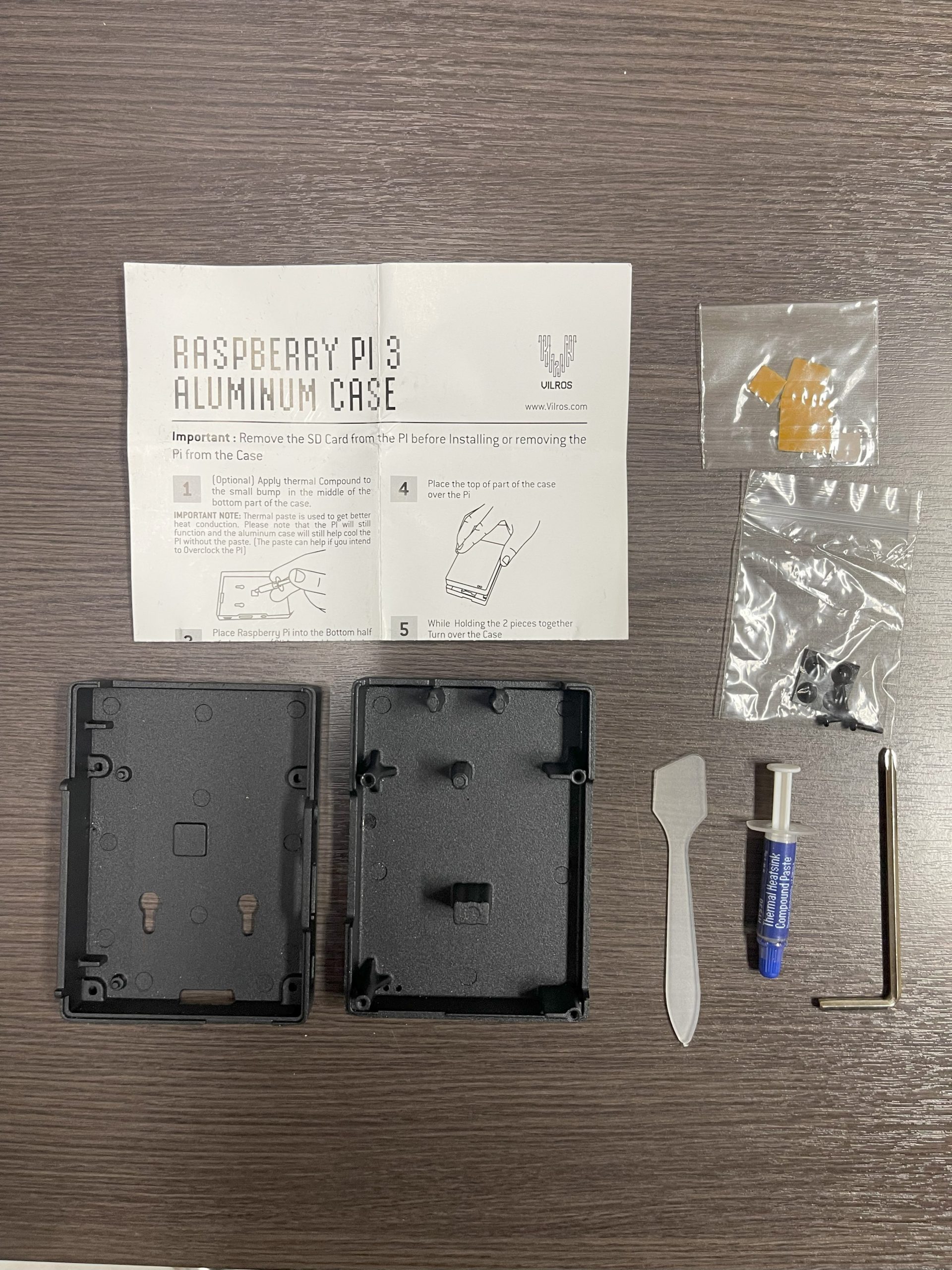
| Included | Thermal pads/compound and spreader, screws, screwdriver, non-slip rubber feet |
| Approx. dimensions | Around 3.8 × 2.5 × 1 in for the compact variant |
| Moving parts | None (silent operation) |
Note that Vilros sells several closely related Pi 4 aluminum cases, including deluxe and fan-equipped versions, so exact dimensions, included covers, and cutouts vary by model. Confirm the specific variant on the product page before buying.
How the passive cooling actually works
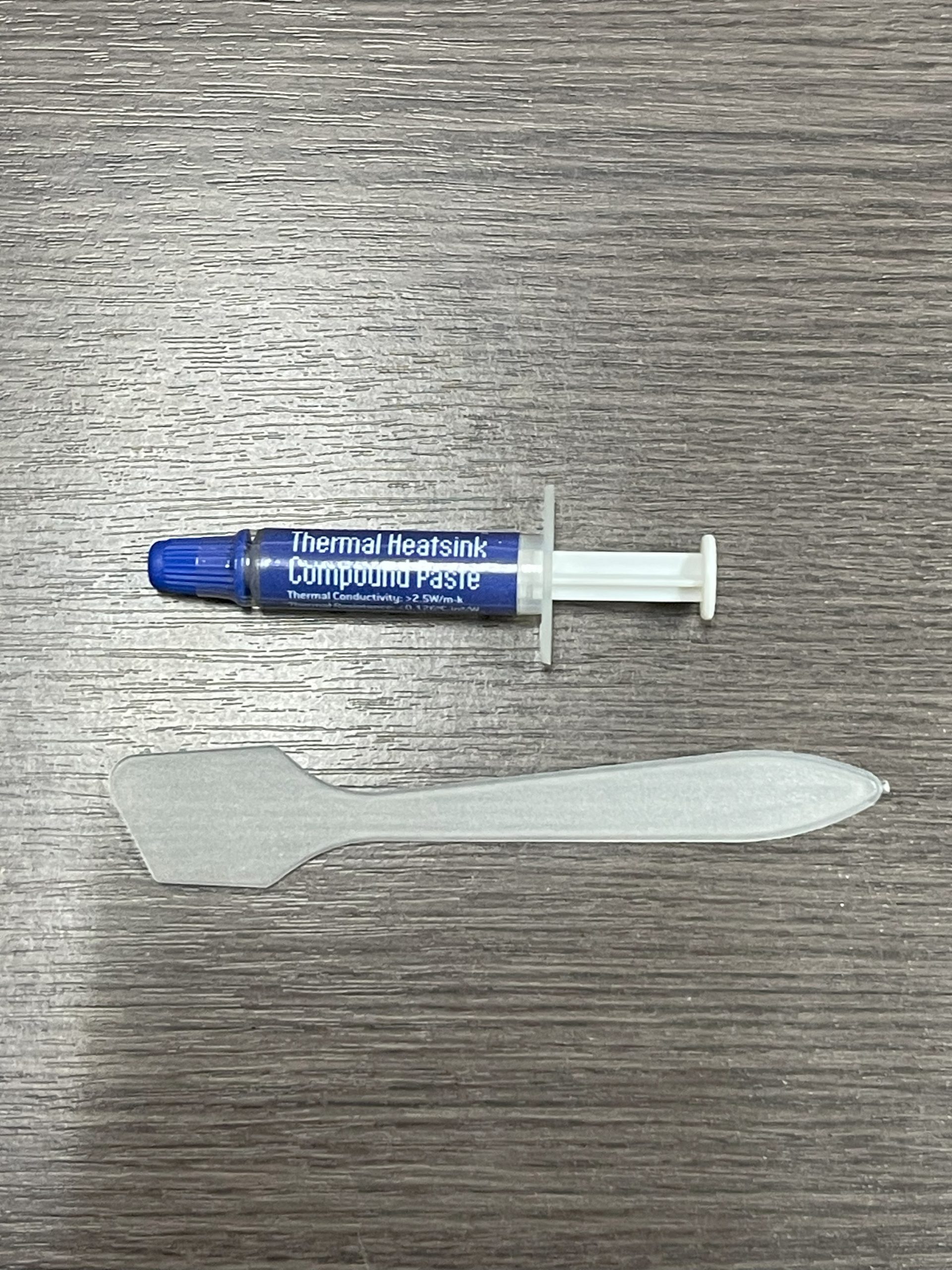
The core idea is simple and effective. Instead of bolting a small heatsink onto the CPU and relying on the air inside a plastic box, this design uses thermal pads to bridge the Pi 4’s processor and other hot chips directly to the inside of the aluminum shell. The case itself becomes the heatsink. Heat conducts out of the silicon, into the metal, and then radiates and convects away across the case’s finned or wave-patterned exterior, which increases surface area for dissipation.
The practical payoff is fanless, completely silent cooling with no moving parts to fail, clog with dust, or buzz over time. For a Pi that lives in a media cabinet, a bedroom, or a quiet office, silence is a genuine feature. On paper, a well-made aluminum enclosure like this can keep a Pi 4 out of thermal throttling during typical continuous workloads, which is the whole point: the Pi 4 will slow itself down when it gets too hot, and good passive cooling helps it hold its clocks.
There are limits worth stating plainly. Passive cooling is excellent for steady, moderate loads but cannot match a fan under sustained maximum stress, such as heavy overclocking or hours of full multi-core compilation. In those extreme scenarios a fan case will run cooler. For the vast majority of real projects, though, the metal-slab approach hits a very appealing balance of quiet, cool, and maintenance-free.
Build quality and design
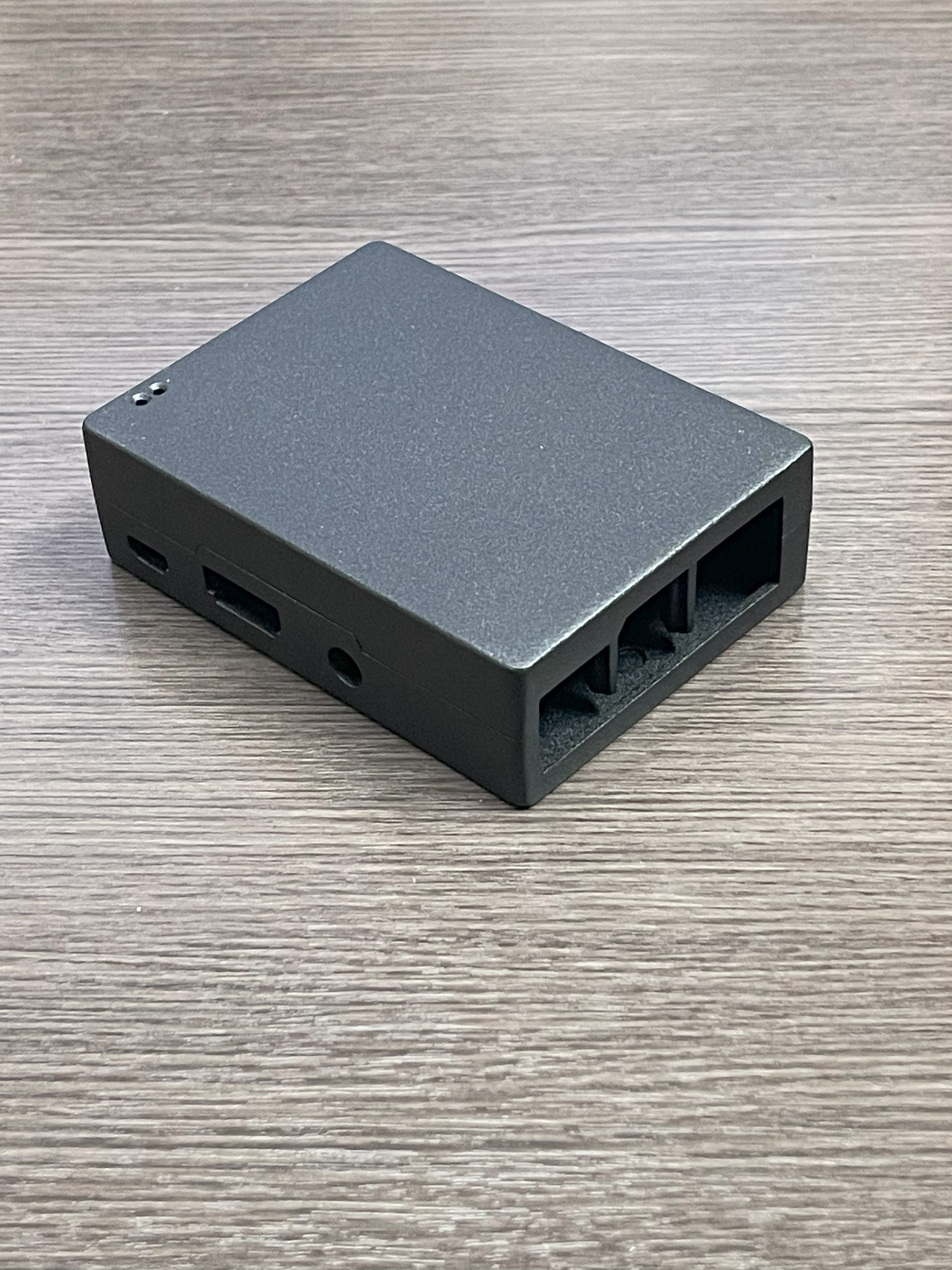
The appeal of a heavy-duty aluminum case is as much about durability as thermals. Anodized aluminum resists scratches and fingerprints, shrugs off knocks that would crack a plastic shell, and gives the whole unit a reassuring heft. That ruggedness matters if the Pi is going into a workshop, a 3D-printer enclosure, a robot, or anywhere it might take abuse.
Vilros typically bundles the practical extras that make installation painless: the thermal pads and a spreader to bridge the chips to the case, the screws to hold everything together, a small screwdriver, and non-slip rubber feet so the finished unit stays put on a desk. Some variants in the family add optional covers for the microSD slot and GPIO header, plus a mounting area for a camera module. The finned or wave exterior is functional first and decorative second, though the look tends to be clean and understated.
Installation and living with the trade-offs
Assembly is straightforward: seat the Pi, apply the thermal pads to the CPU and the other designated chips, and screw the halves together so the pads make firm contact with the lid. The most important detail is getting good, even contact between the chips and the metal, because that thermal interface is what the entire cooling strategy depends on. Rushing this step or skipping a pad undermines the benefit.
The compromise that comes with a fully enclosed metal case is access. A sealed aluminum shell can make the 40-pin GPIO header harder or impossible to reach unless the specific variant provides a cutout or removable cover. If your project is a headless server, a Pi-hole, a NAS front-end, or a media box that never needs the pins, that is a non-issue and the trade is well worth it. If you actively use the GPIO for HATs, sensors, or wiring, choose a variant with GPIO access or consider a different enclosure. This is the single most important thing to check for your use case. It is a natural pairing for a memory-light, always-on board; the same passive-cooling logic that suits a Pi 4 also suits an older, cooler-running Raspberry Pi 3 Model B+, though you should confirm case compatibility with your exact board.
Pros and cons
Strengths
- Completely silent, fanless cooling with no moving parts to fail.
- Rugged anodized aluminum shell that protects the board and resists scratches.
- Whole-case heatsink design helps keep a Pi 4 out of thermal throttling under typical loads.
- Comes with the thermal pads, screws, screwdriver and rubber feet needed to install.
- Clean, low-profile look that fits in a living room or office.
Limitations
- Sealed designs can block easy access to the GPIO header unless the variant provides cutouts.
- Passive cooling cannot match an active fan under extreme sustained or overclocked loads.
- The metal case gets warm to the touch by design, which surprises some first-time buyers.
- Multiple similar Vilros variants mean you must confirm exactly which one you are ordering.
Who it’s for (and who should look elsewhere)
This case is a great match for anyone building a quiet, always-on Pi 4 appliance who values silence and durability over raw peak cooling: a home media center, a Pi-hole, a small home server, or a NAS front-end. If you never touch the GPIO pins, the sealed metal design is close to ideal.
Look elsewhere if you rely on GPIO access for HATs and wiring, or if you plan to push the Pi 4 with heavy overclocking where a fan case genuinely runs cooler. Alternatives worth comparing include the Argon ONE series, which combines a metal body with clever port routing and an optional fan, the Flirc aluminum case known for its minimalist look, and Pimoroni’s aluminum heatsink case. Each strikes a slightly different balance of cooling, GPIO access, and aesthetics. If your storage plans have grown beyond a microSD card, note that fast external SSD setups often rely on a separate M.2 to SATA adapter rather than anything the case itself provides.
Frequently asked questions
Is a passive aluminum case really enough to cool a Raspberry Pi 4?
For typical continuous workloads, a well-designed aluminum case that bridges the CPU to the shell is usually enough to keep a Pi 4 out of throttling. Under extreme, sustained maximum load or aggressive overclocking, a fan will still cool better.
Can I access the GPIO pins with this case on?
It depends on the exact variant. Some Vilros aluminum cases fully enclose the board, while deluxe versions add covers or cutouts for the GPIO header. If GPIO access matters to you, verify it on the product listing before buying.
Does it fit the Raspberry Pi 3 as well as the Pi 4?
This case is designed around the Raspberry Pi 4 Model B’s port layout, which differs from earlier boards. Do not assume it fits a Pi 3 without checking; buy the case that matches your specific board.
What is included in the box?
Vilros typically includes the thermal pads and spreader, the assembly screws, a small screwdriver, and non-slip rubber feet. Contents can vary by variant, so check the listing for extras like SD and GPIO covers.
Bottom line
The Vilros Heavy-Duty Aluminum Alloy Case is a well-judged accessory for Pi 4 owners who want silent, rugged, maintenance-free cooling. Its whole-body heatsink approach keeps the board comfortable under everyday loads, and the metal shell adds real protection. Just confirm which variant you are buying and whether it exposes the GPIO you need. For a quiet always-on Pi 4, it is an easy recommendation; for GPIO-heavy or extreme-overclock builds, weigh a fan-equipped alternative instead.